Level 1
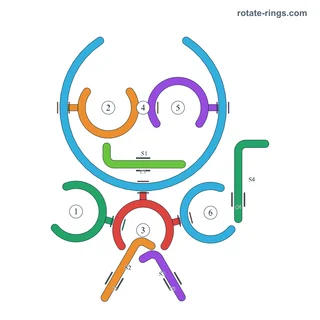
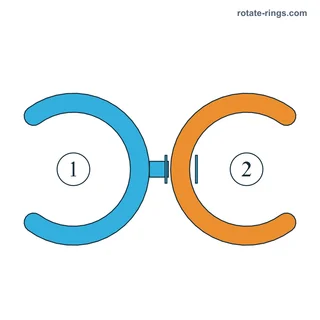
2 Rings · 4 Board
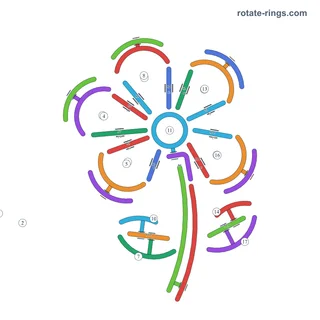
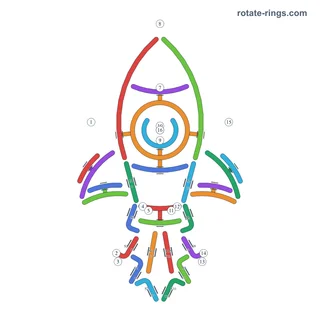
Find your board across levels 1–100. Identify the ring connections and choose the layout that matches your game.
Haven't installed the game yet? Download Rotate Rings →
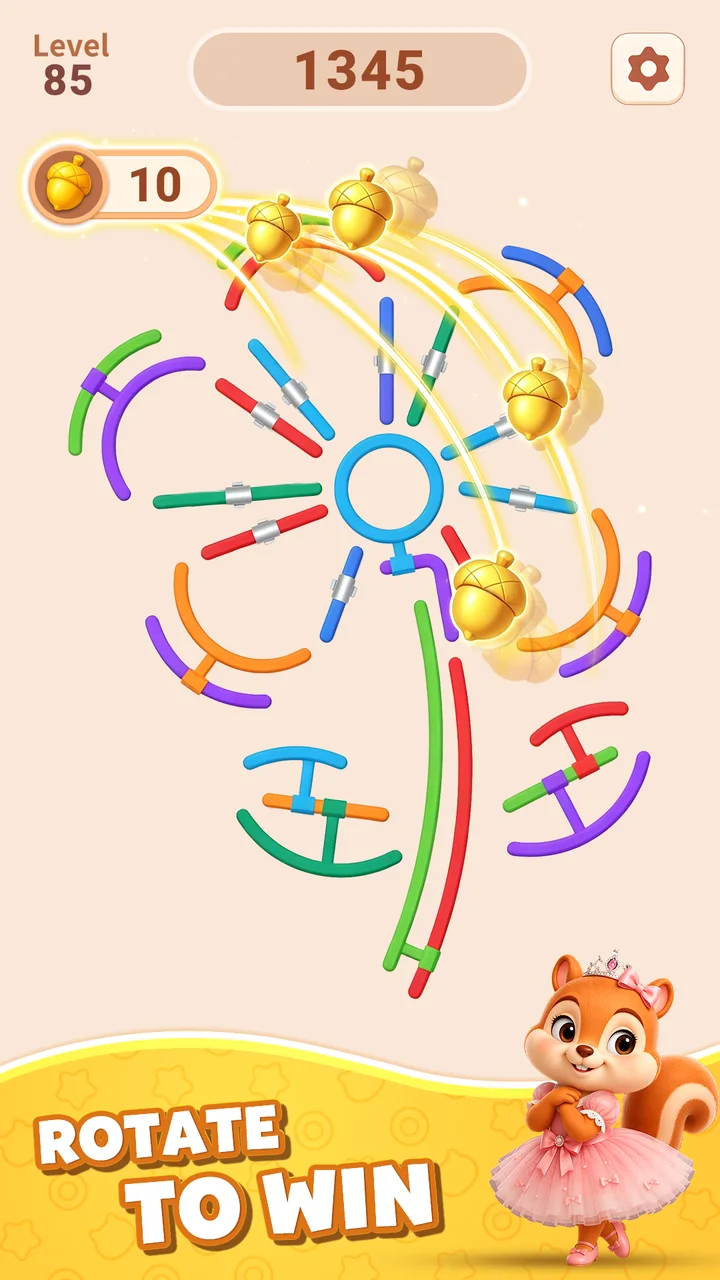
100 levels · default schedule A · alternate boards A–J
Learn how pins, clamps, slide bars, closed rings and bombs affect the board.
Identify the blocking pins and stop pins before rotating a ring.
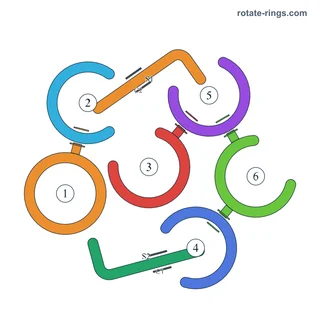
Locate each clamp and its connected slide bar or ring.
Slide bars move along their marked axis.
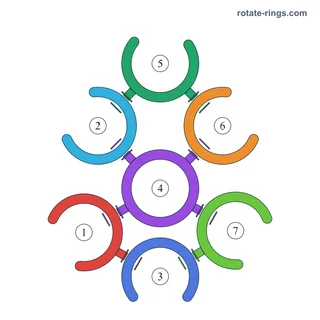
A closed ring has no opening.
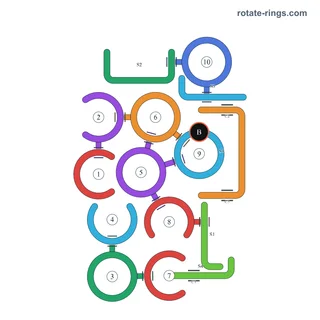
When a board includes timed bombs, prioritize them before the ring-removal sequence.
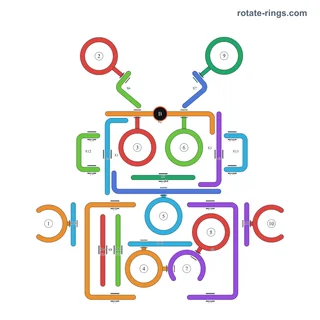
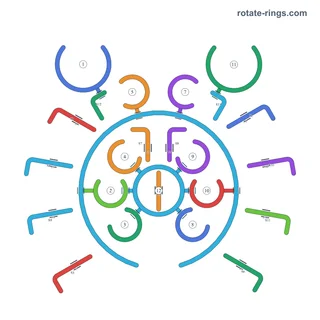
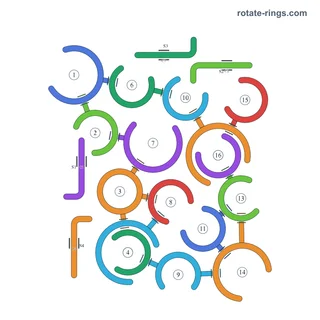
Start with the level number shown in your game. Compare the ring count, openings and connected bars with the thumbnails, then choose the matching board. Read the connection notes before rotating a ring; the diagram numbers identify rings, while the step numbers include actions on bars and latches.
Browse by number or match by mechanics →The game has different level schedules. A number alone does not identify the board: compare the thumbnails and choose the rings, bars and pins that match your screen.
They identify individual rings, not the operation order. A written step can also describe a bar or latch, so the step number is not always the ring number. Match the ring number named in the instruction with the diagram.
A closed ring has no opening. Release its blocking connections using the surrounding objects; the ring flies away automatically when it is free.
Hint highlights objects to rotate, sometimes in a sequence. Follow the highlighted objects in your game and compare them with the numbered board. It is different from Hammer, which destroys a selected object, or Firework, which clears a random target.